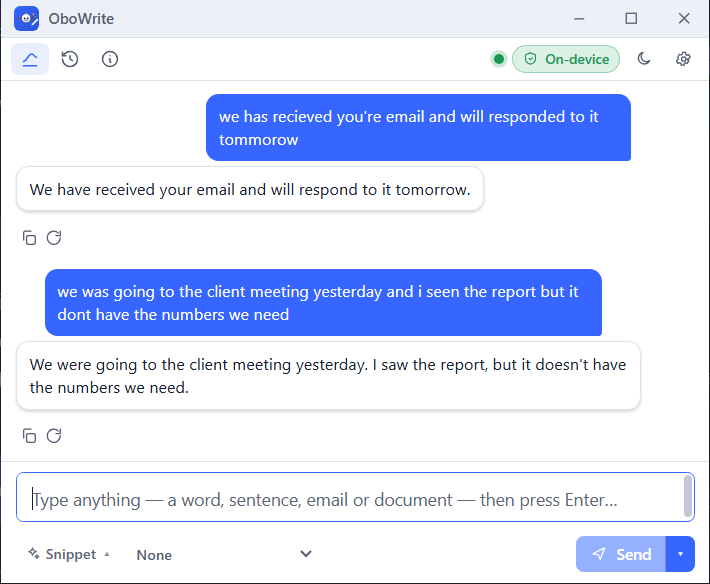
OboWrite is an AI writing assistant that corrects, improves, and rewrites content, formats letters, and drafts message replies using Local AI or your preferred cloud AI. Keep your data private with on-device AI, or connect OpenAI, Claude, or Gemini. No subscription required.
A full language model ships inside the app and runs locally. Type a sentence, an email or a whole document and it comes back improved.
Objective errors only, when that is all you want — spelling, agreement and punctuation corrected without touching your voice.
Restate in a different tone, shorten, expand, turn prose into bullets or summarise — and see exactly which words changed.
An Improve button on the Word ribbon and in Outlook while composing. Select text, click once, and it is replaced in place.
Select text in any application and press Ctrl + Shift + G. The improved version replaces your selection where it sits.
With the built-in engine your text is processed on this machine and goes no further. A badge in the app shows the mode for every single result.
Run the installer, then choose the model that suits your machine. It downloads once — after that OboWrite works with the network off.
Type into OboWrite, use the Improve button in Word or Outlook, or select text in any app and press the global shortcut.
See the improved version with every edit marked, ask why a change was made, then copy it or let it replace your selection.
Download the free trial for Windows. No account, no card, and nothing to upload.